

NACC is a free cleantime calculator for members of Narcotics Anonymous. Enter a cleandate and NACC keeps an up-to-date cleantime report, shows the keytags and medallions associated with that time, and makes the result available on iPhone, iPad, Apple Watch, and widgets.
NACC is an independent tool written for NA members by NA members. It is not affiliated with Narcotics Anonymous World Services, Inc. or Narcotics Anonymous as a whole.


Getting Started
NACC opens to the My Cleantime screen. The cleantime report in the center is also the control for setting your cleandate. Tap it, choose your date, and the report updates immediately. NACC remembers the date for you.


If your cleantime is less than one year, the award below the report is a keytag. At one year and beyond, it is a medallion. The same cleandate is used throughout NACC, including its widgets and Apple Watch app.
Keytags and Medallions
NACC can display your cleantime visually in three ways: a linked Keytag Strip, a Keytag Array, and, after one year, a Medallion Array.


From the My Cleantime screen, tap the NACC icon above the report to open the Keytag Strip. Tap the award below the report to open the Keytag Array when your cleantime is under one year, or the Medallion Array when it is one year or longer.
You can move among the available result views from the Results screen. The medallion view is not available until one year of cleantime.
Sharing, Printing, and Calendar
Share or Print Your Cleantime
Tap the action button on the My Cleantime screen to choose Share or Print.


Sharing includes a textual cleantime report, an image of the current award, and a NACC Universal Link. The link can open NACC and set the same cleandate on a device where NACC is installed. Otherwise, it opens a Web version of the cleantime result.
Printing creates a formatted report containing the cleantime and award. The Results screen also has an action button, allowing you to share, print, or save the displayed keytag or medallion image.
Create an Anniversary Calendar Event
Tap the calendar button to prepare an anniversary event in Calendar. NACC fills in the date and other basic event information; you can review or change it before saving.
For cleantime under one year, NACC prepares a single event for the next anniversary. At one year or more, it prepares an all-day event that repeats yearly, beginning with the cleandate.

Widgets
NACC widgets let you see your current cleantime without opening the app. Widgets are available in small and medium sizes, with text and award-image layouts appropriate to the selected size.


Widget configuration lets you use a text-only presentation or include an award image. For cleantime of one year or more, you can also choose not to show medallions; in that case, the widget continues to show the highest earned keytag.
To add a widget, use the normal iPhone or iPad widget controls, find NACC in the widget gallery, choose a size, and add it. To change NACC-specific options later, edit the widget.
Apple Watch
The companion Apple Watch app uses the same cleandate as the iPhone app. Changes made on either device are synchronized to the other.
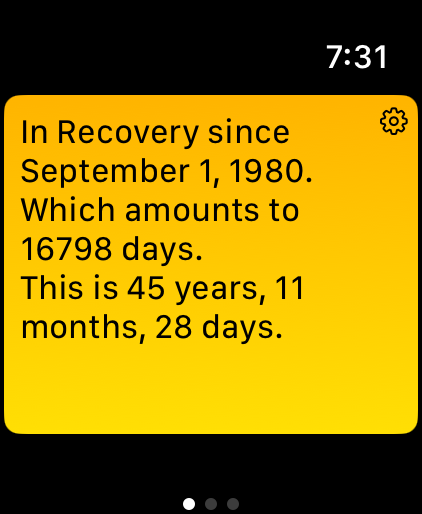
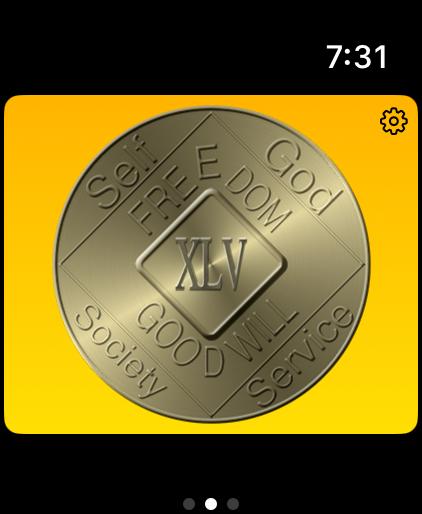
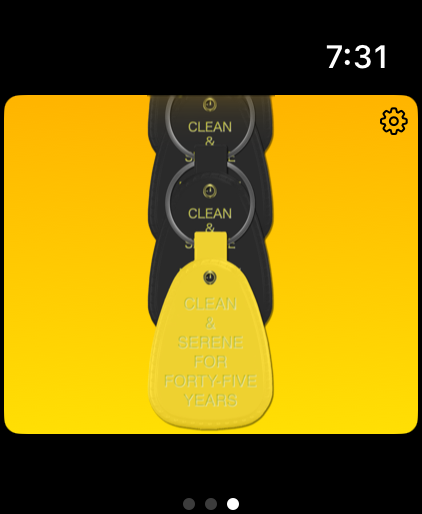
The Watch app has three main pages. Swipe between them to see your cleantime as text, your latest earned keytag or medallion, and a scrollable chain of all earned keytags.
Change Your Cleandate on the Watch
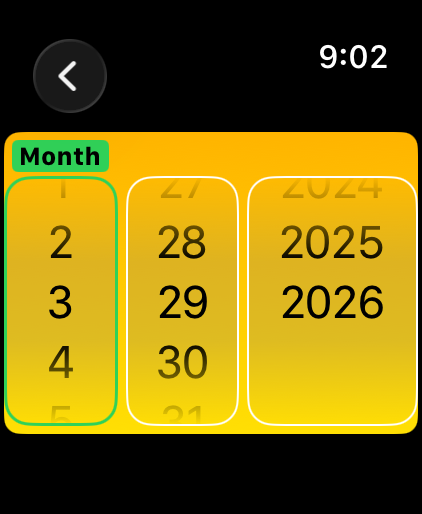
Tap the gear button in the Watch app to open its cleandate setting. Changing the date there updates the iPhone app as well.
Watch Complications
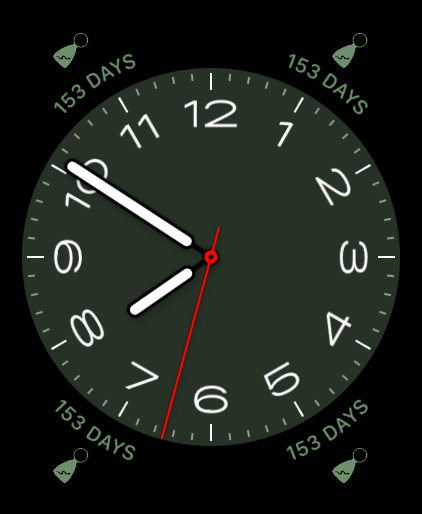
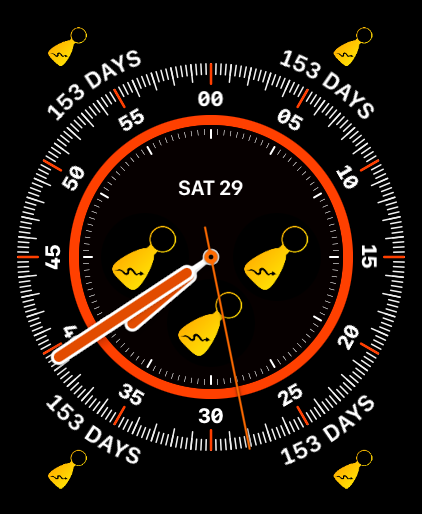
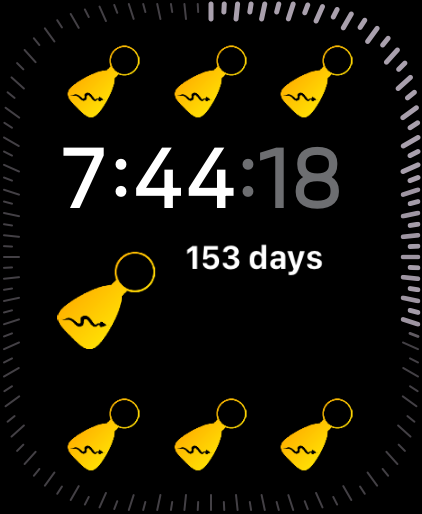
NACC includes complications for a range of Apple Watch faces and complication families. Depending on the face and available space, a complication can provide a compact cleantime or award display and gives you quick access to NACC.
About and Settings
Tap the Info button on the My Cleantime screen to see the NACC version and app information. From there, you can open NACC’s panel in the Settings app, read the privacy policy, or visit the Little Green Viper Software Development Web site. Tapping the NACC logo on the About screen opens this documentation page.
NACC currently has no app-specific settings in the Settings app panel. That panel also includes the dependency links required for the open-source components used by the app.
Links and URL Schemes
When you share your cleantime, NACC includes a Universal Link. These links are also useful for bookmarks, messages, Web pages, and automation.
https://nacc.littlegreenviper.com/?2010-03-17 is an example. With NACC installed, it opens the app and sets the cleandate to March 17, 2010. Without the app, it opens a Web representation of the result.
URL Scheme and Universal Link Reference
NACC supports both a custom URL scheme and Universal Links:
nacc://[?YYYY-MM-DD[/N]]https://nacc.littlegreenviper.com/[?YYYY-MM-DD[/N]]
YYYY-MM-DD is an ISO 8601 calendar date. The earliest accepted date is October 5, 1953 (1953-10-05).
The optional result index is 0 for Keytag Array, 1 for Keytag Strip, and 2 for Medallion Array.
nacc://opens NACC.nacc://?1980-09-01opens NACC and sets September 1, 1980 as the cleandate.nacc://?2020-03-17/0opens the Keytag Array.nacc://?2020-03-17/1opens the Keytag Strip.nacc://?2020-03-17/2opens the Medallion Array when that view is available for the supplied cleandate.
Open Source and Licensing
NACC is free and open-source software. The source code is available on GitHub, and technical documentation is available online.
Software Dependencies
NACC uses the following MIT-licensed Swift Package Manager modules:
License and NA Intellectual Property
The NACC code and keytag images are distributed under the MIT License.
The medallion images are renderings of the standard bronze Narcotics Anonymous World Services cleantime medallions. The medallion designs are the intellectual property of NA World Services, Inc. They are not covered by NACC’s MIT license.
NACC’s use of these images does not imply affiliation with or endorsement by Narcotics Anonymous World Services.
NACC has been available on iOS since 2012 and continues to evolve while keeping its basic purpose simple: enter a cleandate and see the cleantime.